Get Into PC – Download Free Your Desired Softwares and App
How to Use CapCut Free Version — Complete Beginner’s Guide (2026)
The video editing process is no longer only limited to professional use. Social media producers, students, and small business owners require quality videos; one of the most commonly used free applications for doing that is CapCut.
This article is going to discuss the features of the free version of CapCut, its download process, and some useful tips.
What is CapCut?
CapCut is a video editor that belongs to ByteDance (parent company of TikTok). The software can be used on a mobile (Android/iOS) and desktop (Windows/Mac) devices, and its free version is completely free.

What Do You Get in the CapCut Free Version?
Despite being a free version, it is still equipped with several valuable features like:
- Trims and cuts – simple way to cut and arrange your clips
- Transitions – transition effects between clips
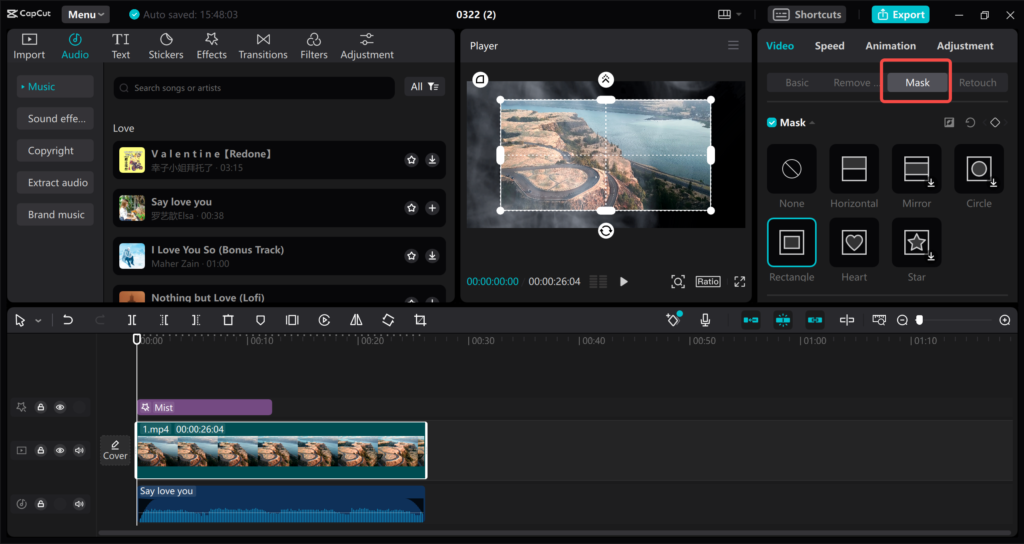
- Texts and captions – automatic captions option is also present
- Filters and effects – color grading and visual effects options are basic
- Library of music – royalty-free background music
- Multi-track editing – editing of multiple audio and video tracks
- Speed adjustments – slow motion or fast-forward effects
All these features are so effective that most beginners hardly use the premium version.
How to Download CapCut
- Mobile devices: Go to Google Play Store (for Android) or App Store (for iOS), search for “CapCut,” and install the application.
- PC: Go to the official CapCut website (capcut.com) and download the program.
Remember to always download CapCut from its official source. Don’t download CapCut for free from any other website as it could have viruses or malware.
Step-by-Step Guide for Beginners
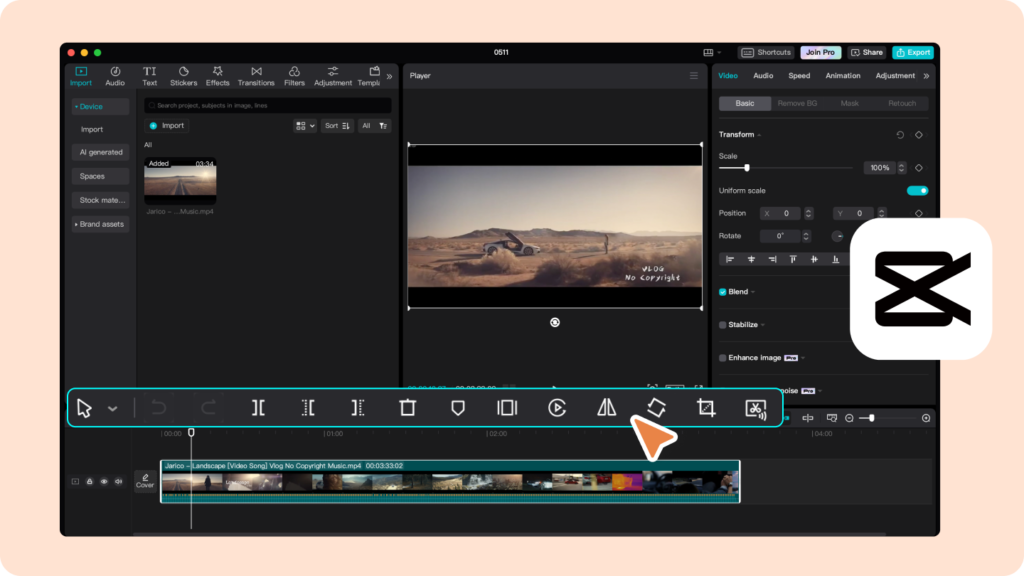
- Make a New Project — Launch the app and click on “New Project” before importing your videos/pictures.
- Place on the Timeline — Place your clips to set the sequence order.
- Trimming and Cutting — Remove any unnecessary parts by trimming.
- Adding Effects — Add transitions, effects, and texts.
- Selecting Music — Select an appropriate music track from the library.
- Export — Export the video in desired quality (720p, 1080p, or 4K).
Useful Tips
- Utilize auto-captions – they save time and improve accessibility
- Utilize templates – CapCut provides built-in templates which save a lot of time for the beginner
- Understand keyframes – for smooth zoom and pan transitions
- Preview your video before exporting it
When Do You Need CapCut Pro?
For those who need to access extra features like advanced effects, increased stock content, and watermarked exporting among others on particular plans, CapCut Pro comes in handy and can be legally accessed from their website.
Conclusion
The CapCut Free version will be enough for all requirements of a novice and even casual user. The combination of simplicity of usage and functionality has made it popular among social media creators. It is necessary only to keep in mind that it should be downloaded only from the official site.